A humanoid robot and a robotic arm as an R&D platform
Open platforms with an SDK for prototyping and experiments: you take ready hardware and start testing algorithms instead of building a robot from scratch. We state explicitly which edition can be programmed.
Test your idea on real hardware, not only in simulation. You take a ready platform with an open SDK and iterate instead of building a robot from scratch. We state explicitly which edition can be programmed.
- Rental · leasing · purchase
- Open SDK (EDU and above)
- Russian-language support
- An isolated network segment on request
Getting started without a large purchase
A robot does not have to be a capital purchase up front. Start with rental or leasing: a monthly payment instead of a lump sum, and capital spending turns into operating spending.
Rental
Test a robot on your own task without putting an asset on the books.
- An event, a season or a pilot at one site
- No asset on your balance sheet, a quick start
- Buyout is possible, terms are discussed
Leasing
Put a robot to work now and pay in instalments. For companies, without a large payment at the start.
- No one-off hit to the budget
- A monthly payment, the robot works from day one
- We help with the paperwork and the model
Purchase
If the task is proven and permanent, take the robot into ownership with warranty and service.
- Your own robot for a permanent task
- Warranty support, commissioning and training
- Service and spare parts after deployment
The number one barrier in robotisation is not payback but the money up front. Rental and leasing remove it: you pay for the result by the month rather than for the hardware in full.
A monthly payment for a robot is often comparable to the salary of one front-line employee, and the robot works without sick days, holidays or turnover.
Robots for this task
A live catalog for this segment. The categories lead to the full selections.
- Unitree
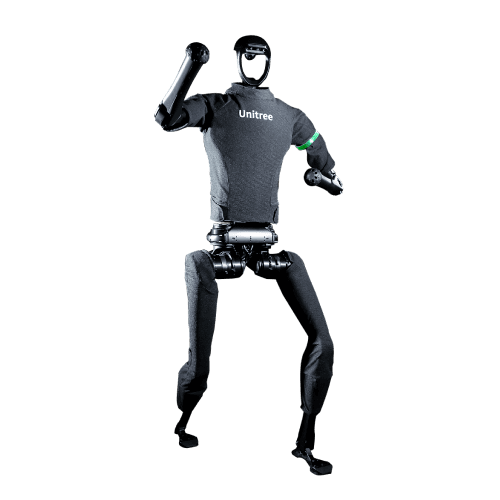
Unitree H1 robot
Full-size humanoid with a record walking speed of 3.3 m/s
Price on requestDetails - Unitree

Unitree G1 robot
General-purpose humanoid robot with AI
Price on requestDetails - Unitree
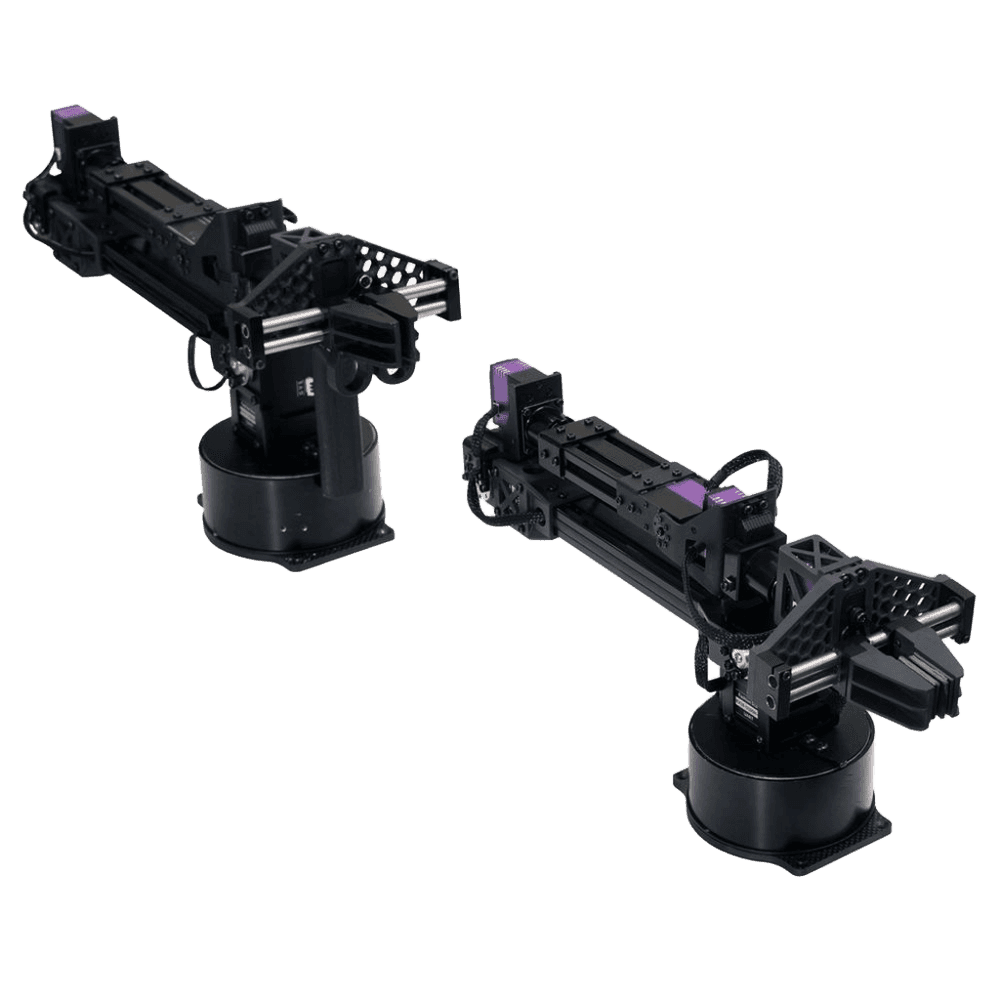
Unitree D1-T robotic arm
Education, industrial manufacturing, laboratory research
Price on requestDetails - AgileX

AgileX PiPER robotic arm
For use in manufacturing, research, healthcare, and other industries; suited for integration with other AgileX robot platforms
Price on requestDetails - ABB GoFa

ABB GoFa CRB 15000 robotic arm
Industrial automation
Price on requestDetails - UFACTORY

UFACTORY Lite 6 robotic arm, model LI10
Robotic arm for picking and moving small objects in manufacturing, laboratory research, healthcare, and other industries
Price on requestDetails - UFACTORY

UFACTORY 850 robotic arm, model XI15
Robotic arm for picking and moving small objects in manufacturing, laboratory research, healthcare, and other industries
Price on requestDetails - UFACTORY

UFACTORY xArm 7 robotic arm, model XS13
Seven-axis arm for assembly in tight spaces
Price on requestDetails
Common questions about this task
What is specific to the segment and where a robot's limits are. General questions about price, service and payback are answered on the home page.
Which edition do we need in order to program it for our own task?
What can actually be customised and what is locked in firmware?
Do the SDK and the examples work as documented or will we have to fix things?
Is it safe for a research institute with sensitive data?

R&D and research: send a request — we will suggest specific models and quote rental, leasing or purchase. Price on request.
Request a spec or talk to an engineer
[ purchase // rental // leasing ]